No Jocelyn today.
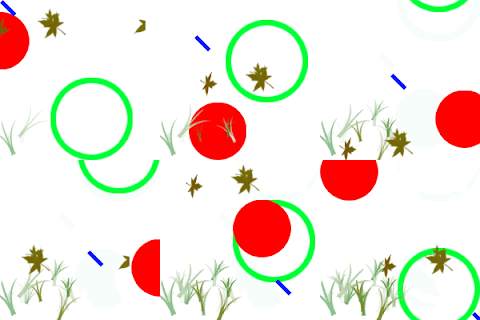
The ed fella poster was due today. This was my poster.
Carlos showed us how to add a clipped mask: make a p
ath, place an image, select both and then go to object-> clipping mask -> make(open apple + 7)
He then showed us that objects can have multiple fills and multiple strokes. Make an object then open the appearance panel, click on the triangle in the appearance panel and add a new fill or add a new stroke. From there you can select the new fill/stroke and go to Effect -> Path -> offset path to offset any fill/stroke in relation to each other.